EKS
Configuração do EKS
O Amazon Elastic Kubernetes Service (EKS) é um serviço gerenciado que facilita a execução do Kubernetes na AWS sem a necessidade de instalar e operar seu próprio plano de controle ou nós de trabalho do Kubernetes. O EKS cuida da alta disponibilidade e escalabilidade do plano de controle do Kubernetes, permitindo que você se concentre em implantar e gerenciar seus aplicativos.
Custo de Uso
O custo de uso do EKS pode variar dependendo da região e dos serviços utilizados. É importante monitorar os custos e otimizar o uso dos recursos para evitar surpresas na fatura. Você pode usar a calculadora de preços da AWS para estimar os custos do seu projeto.
CUIDADO: o tipo de instância EC2 é um dos principais fatores que afetam o custo do EKS. Instâncias maiores e mais poderosas custam mais, enquanto instâncias menores e menos poderosas custam menos. Além disso, o uso de recursos adicionais, como armazenamento em bloco e balanceadores de carga, também pode aumentar os custos1.
TO DO
Faça um cluster EKS e faça o deploy da aplicação Spring Boot no cluster. Você pode usar o AWS CLI ou o console da AWS para criar e gerenciar seu cluster EKS.
Para implementar a base de dados, você pode usar o Amazon RDS (Relational Database Service) ou o Amazon DynamoDB, dependendo das necessidades do seu projeto.
Roadmap
This roudmap is not complete and may not cover all the steps you need to take to configure your AWS environment. It is a good start to help you understand the steps you need to take to configure your AWS environment. You can find more information about each step in the AWS documentation.
Create an AWS account and configure the AWS CLI. You can use the AWS CLI to manage your AWS services from the command line.


Overview of the VPC:
flowchart TB
subgraph Region
    direction LR
    subgraph Zone A
    direction LR
    subgraph subpri1["Subnet Private"]
        direction TB
        poda1["pod 1"]
        poda2["pod 2"]
        poda3["pod 3"]
    end
    subgraph subpub1["Subnet Public"]
        loadbalancea["Load Balance"]
    end
    end
    subgraph Zone B
    direction LR
    subgraph subpri2["Subnet Private"]
        direction TB
        podb1["pod 1"]
        podb2["pod 2"]
        podb3["pod 3"]
    end
    subgraph subpub2["Subnet Public"]
        loadbalanceb["Load Balance"]
    end
    end
    User --> loadbalancea
    loadbalancea --> poda1
    loadbalancea --> poda2
    loadbalancea --> poda3
    User --> loadbalanceb
    loadbalanceb --> podb1
    loadbalanceb --> podb2
    loadbalanceb --> podb3
end
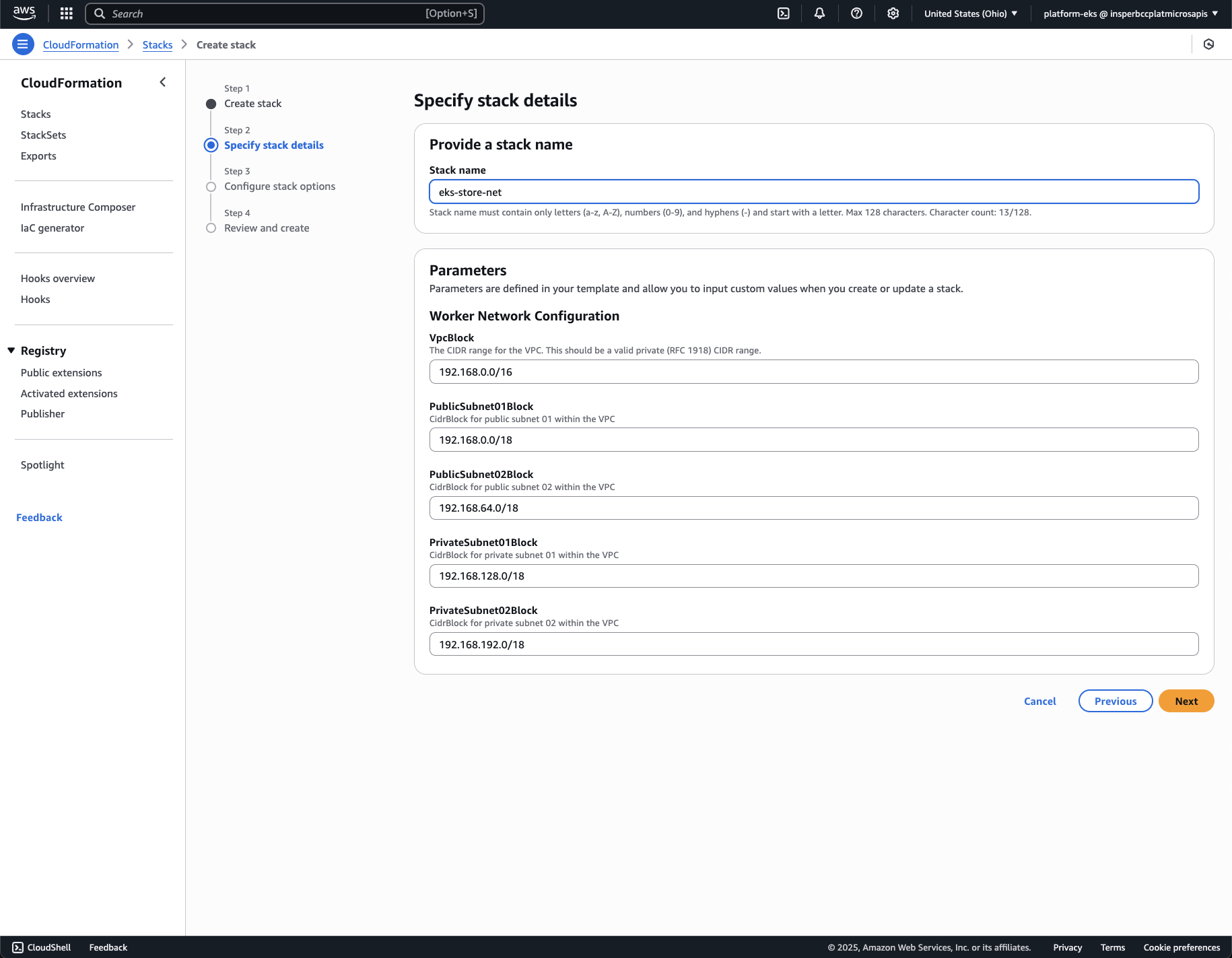
Create a VPC with the following configuration, including 2 public and 2 private subnets. The public subnets will be used for the load balancers, and the private subnets will be used for the pods. The VPC should be created in the same region as the EKS cluster.
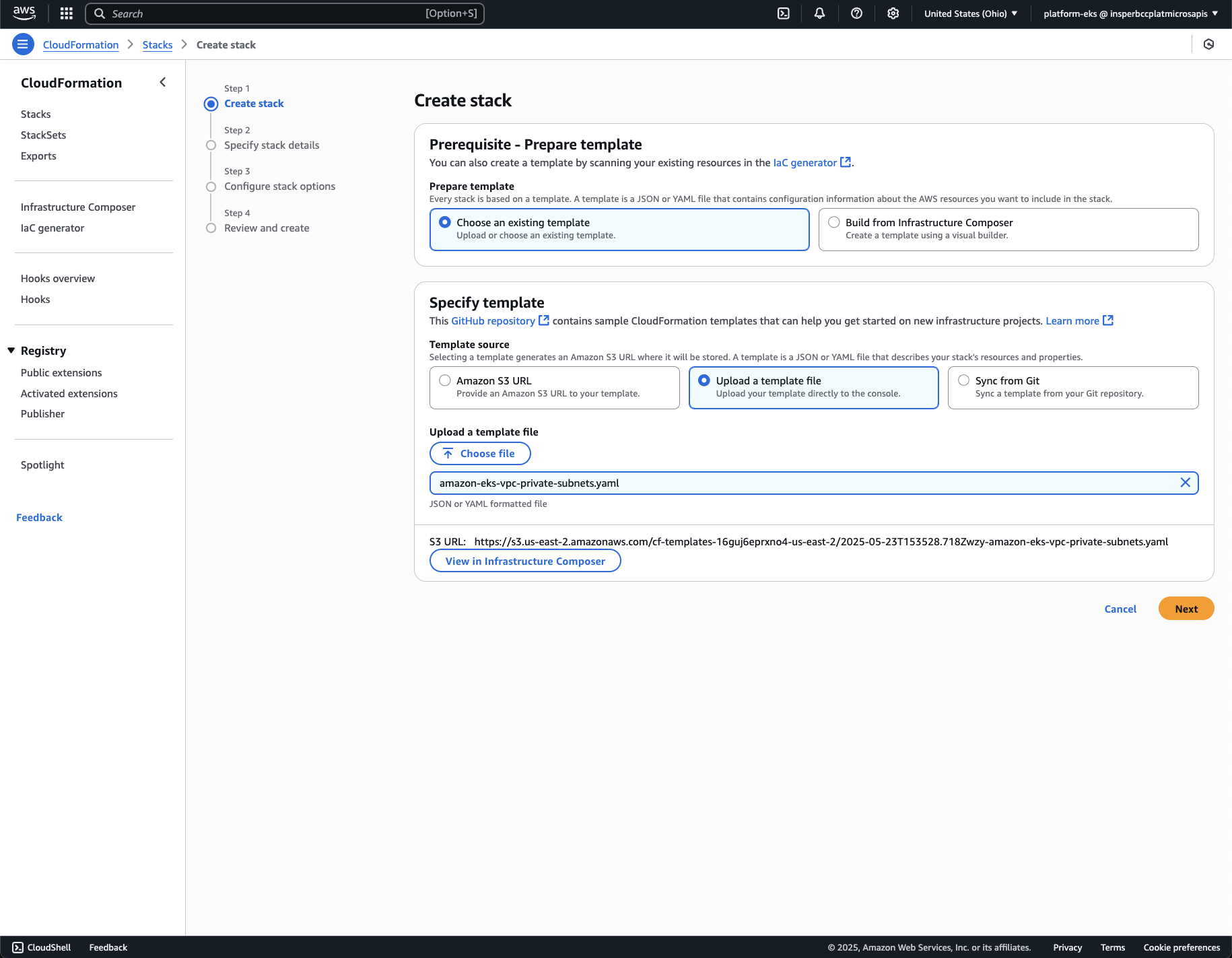
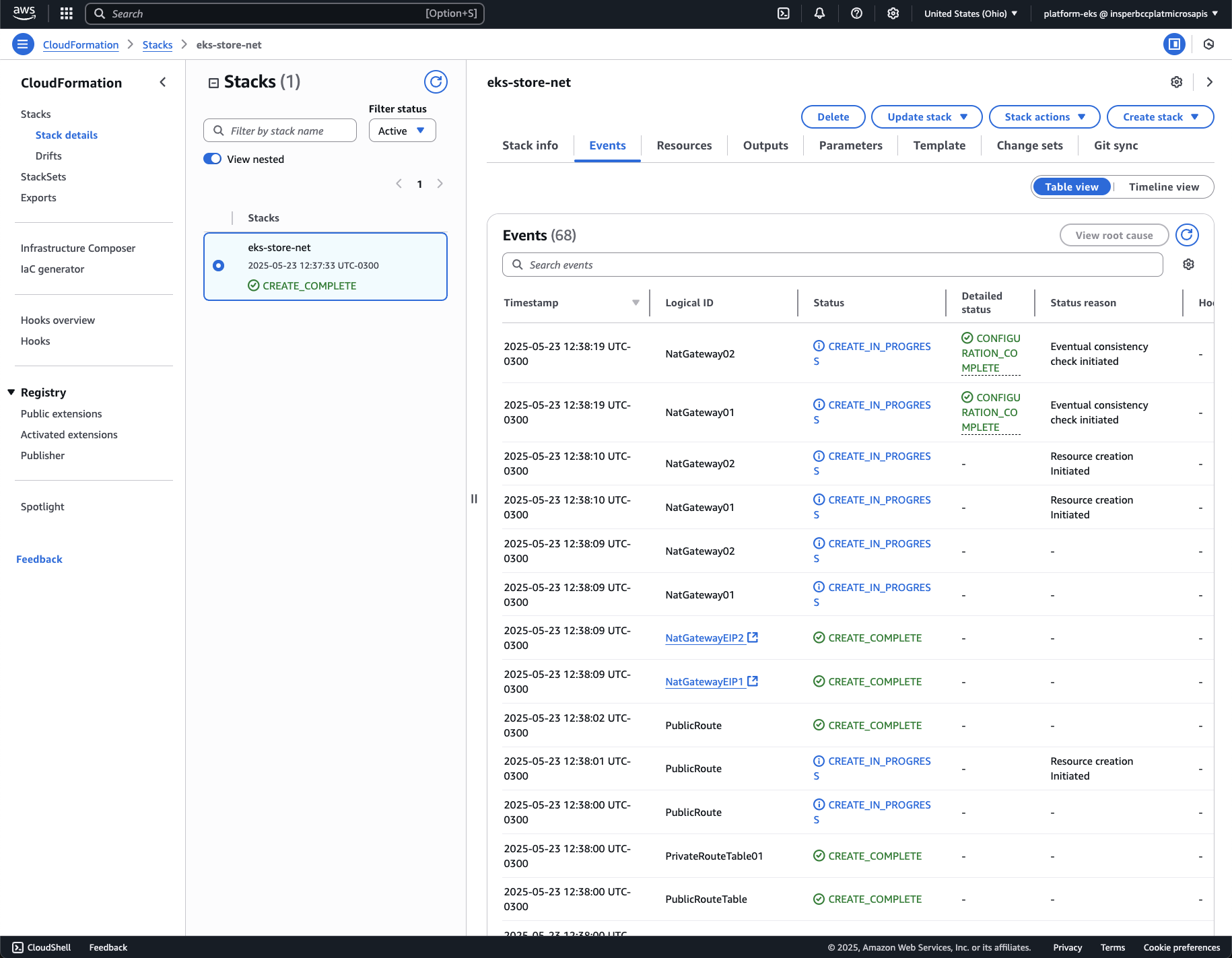
To create the VPC, use the AWS CloudFormation with the template file: amazon-eks-vpc-private-subnets.yaml (download it and upload it as a CloudFormation template).


Pay Attention
The EKS cluster will take a few minutes to be created. You can check the status of the cluster in the AWS console. Once the cluster is created, you can access it using the AWS CLI or kubectl.
Notice that there no nodes on cluster also, because only the Control Pane had been created, there is no exist a node for the worker nodes.

Add Permissions to the role:
- AmazonEKS_CNI_Policy
- AmazonEKSWorkerNodePolicy
- AmazonEC2ContainerRegistryReadOnly


Define the Configuration of machine type

Only private subnets:

On terminal, after that it had been set up the aws cli.
See the configuration that was set up:
---- ----- ---- --------
profile <not set> None None
access_key **TTNI shared-credentials-file
secret_key **zAJ1 shared-credentials-file
region us-east-2 config-file ~/.aws/config
Set up the kube-config to point to the remote aws eks cluster.
>
>kubectl get podsNo resources found in default namespace.
>
>kubectl get nodesNo resources found
>
Nice commands